
HubX · Quotations
Quote, approve, order.
Build a quote from the catalog in the customer's context, send it for approval and convert the approved quote to an order. Prospects, prospect contacts and terms and conditions live in the same area.
Actual HubX UIDemo data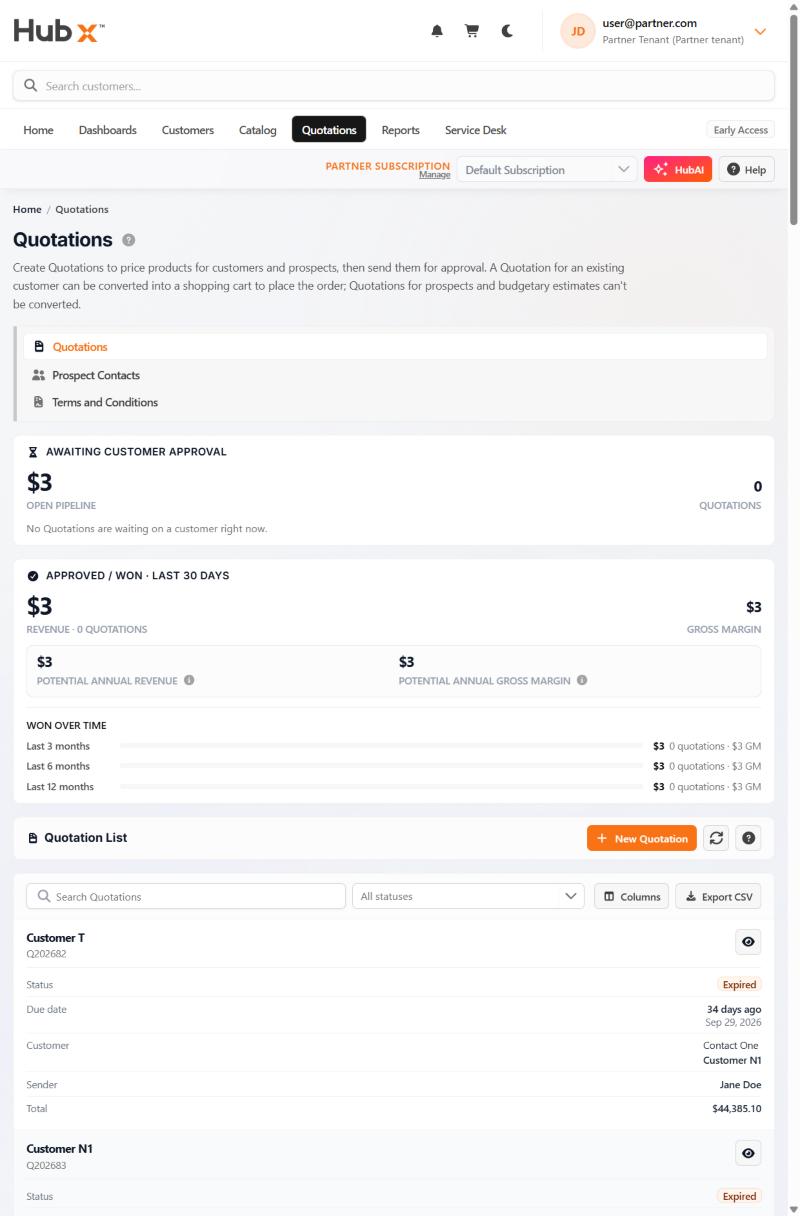
The flow
From draft to order.
- 1
Build
Add products from the catalog for a customer or a prospect.
- 2
Send
Send the quote for customer approval, with terms and conditions attached.
- 3
Convert
Approved quotes become a cart and an order.
On the page
Pipeline figures shown above the list.
- Awaiting approval
- Open pipeline and quote count
- Approved / won
- Last 30 days
- Won over time
- Last 3, 6 and 12 months
Next step
See it with your own scenario.
Request a demo. The team replies by email to arrange a time.